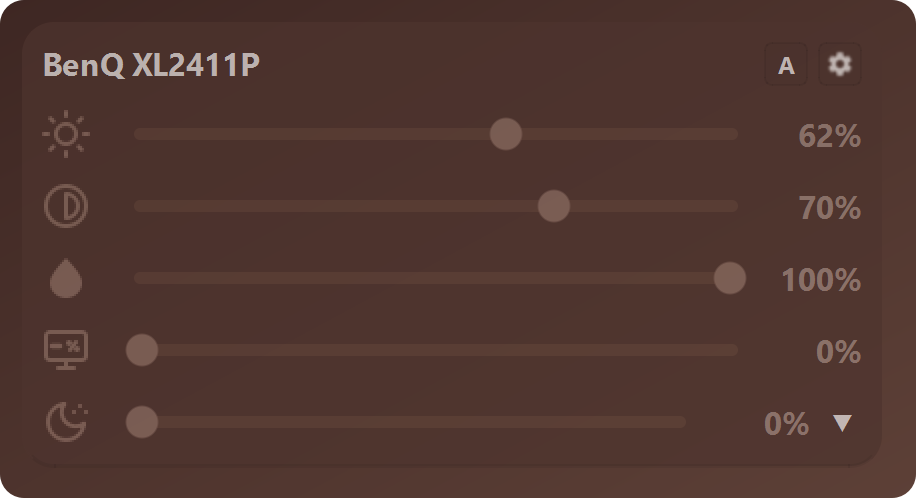
Does it work with my monitor?
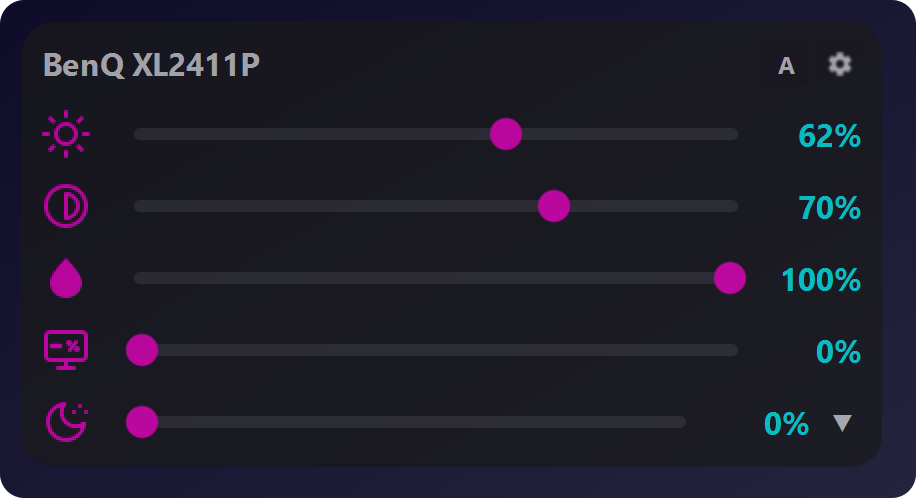
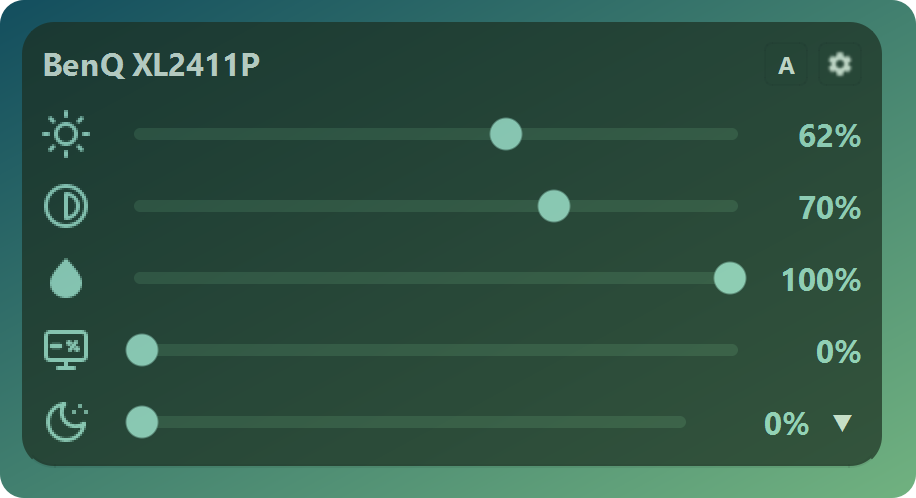
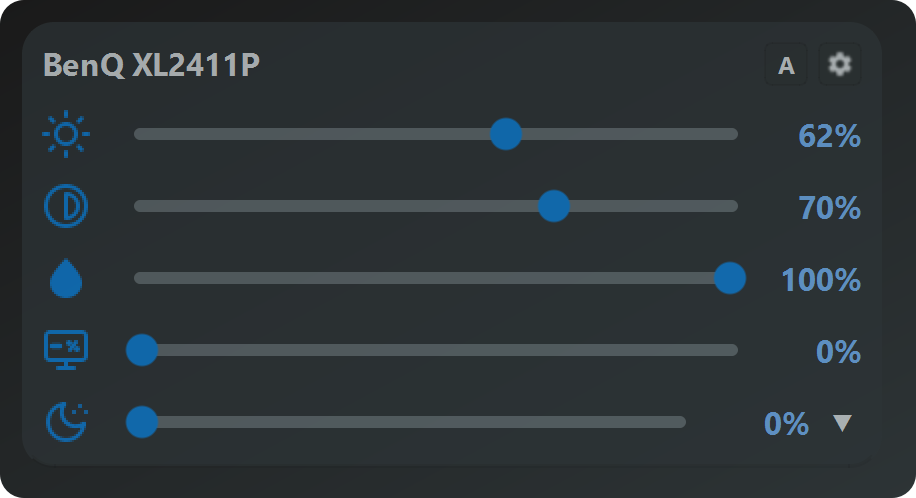
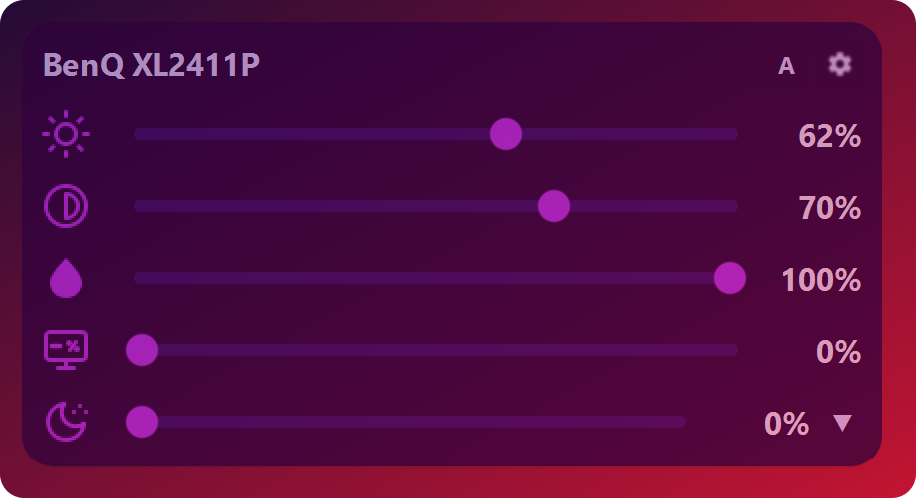
Hardware brightness and contrast need DDC/CI, which most monitors from recent years support — it sometimes has to be switched on in the monitor’s own menu. Sub-Zero, the blue light filter and saturation work in software, so they also run on monitors without DDC/CI and on laptop screens.
Is it safe for my monitor?
ArrayLux sends the standard DDC/CI commands the monitor is built to receive — the same kind of signal its own buttons produce — and stays within the range the monitor reports. It does not flash firmware or change anything permanent.
Why not just use the Windows brightness slider?
The Windows slider is made mainly for built-in laptop displays; for most external monitors it does nothing. It also cannot go below the monitor minimum, switch per app or follow the sun.
What happens after the 14 days?
Nothing you have to do. ArrayLux keeps running as the free version with no time limit. If you want the automatic features back, you can buy Pro once inside the app.
Does it work with games?
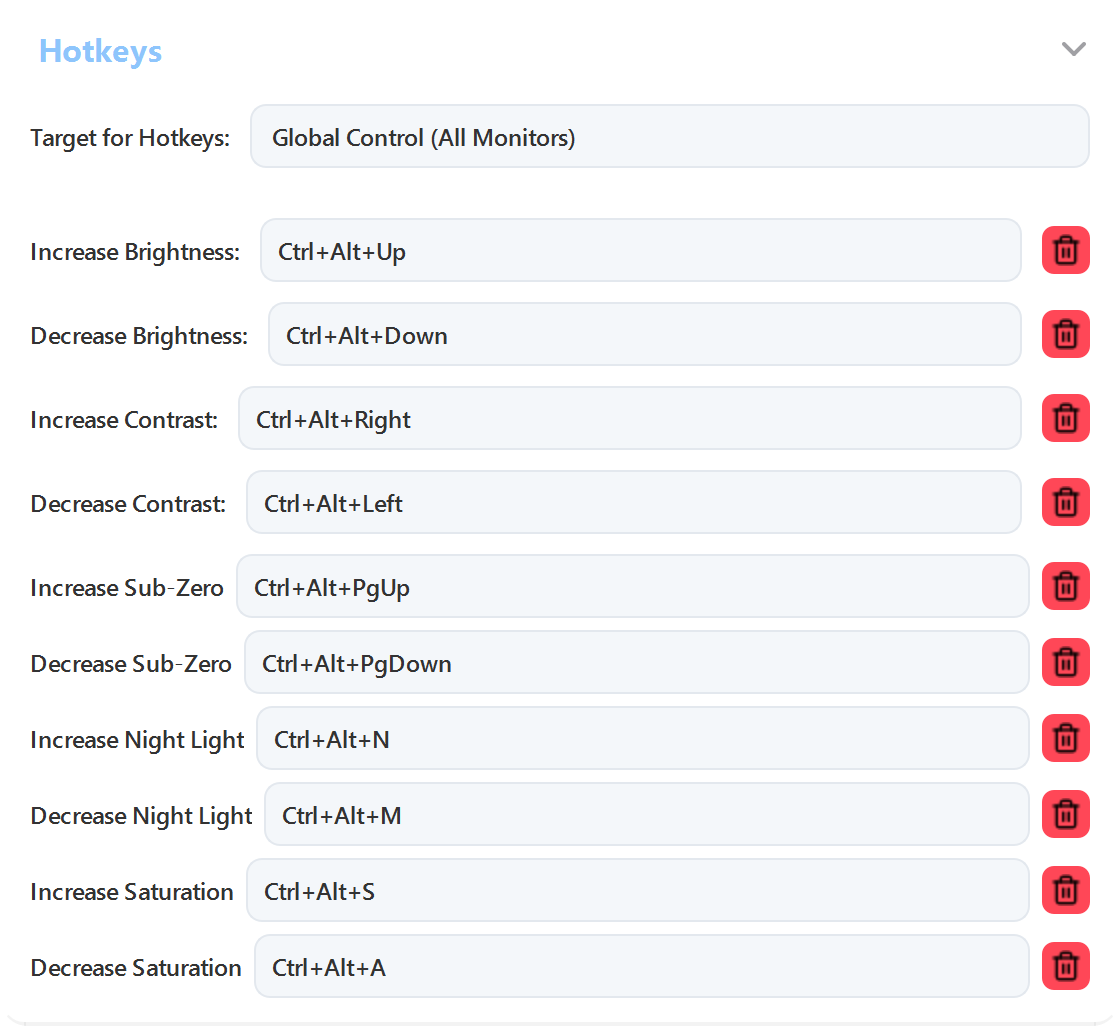
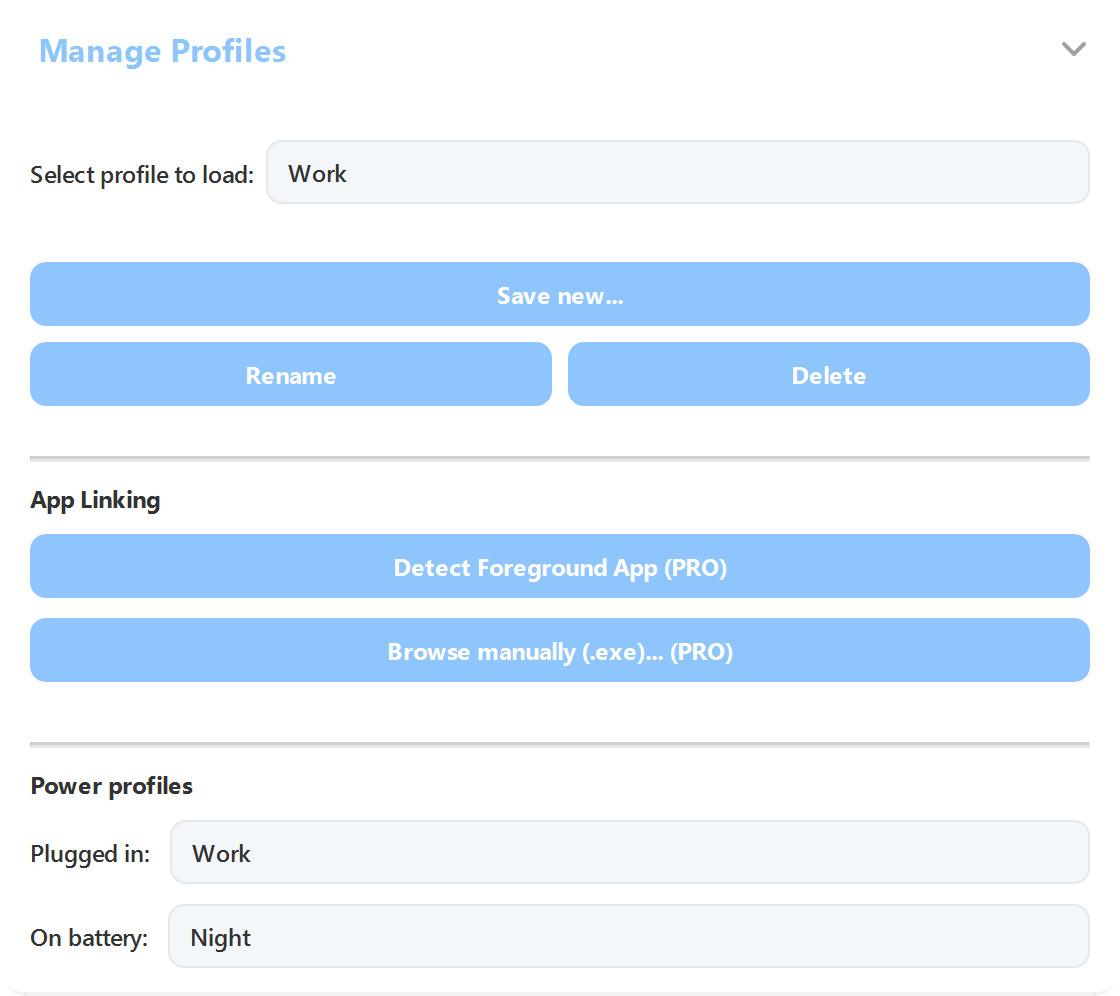
Yes. Per-app profiles switch when a game comes to the front and switch back when you leave it, and the global hotkeys work inside fullscreen games.
How many monitors does it support?
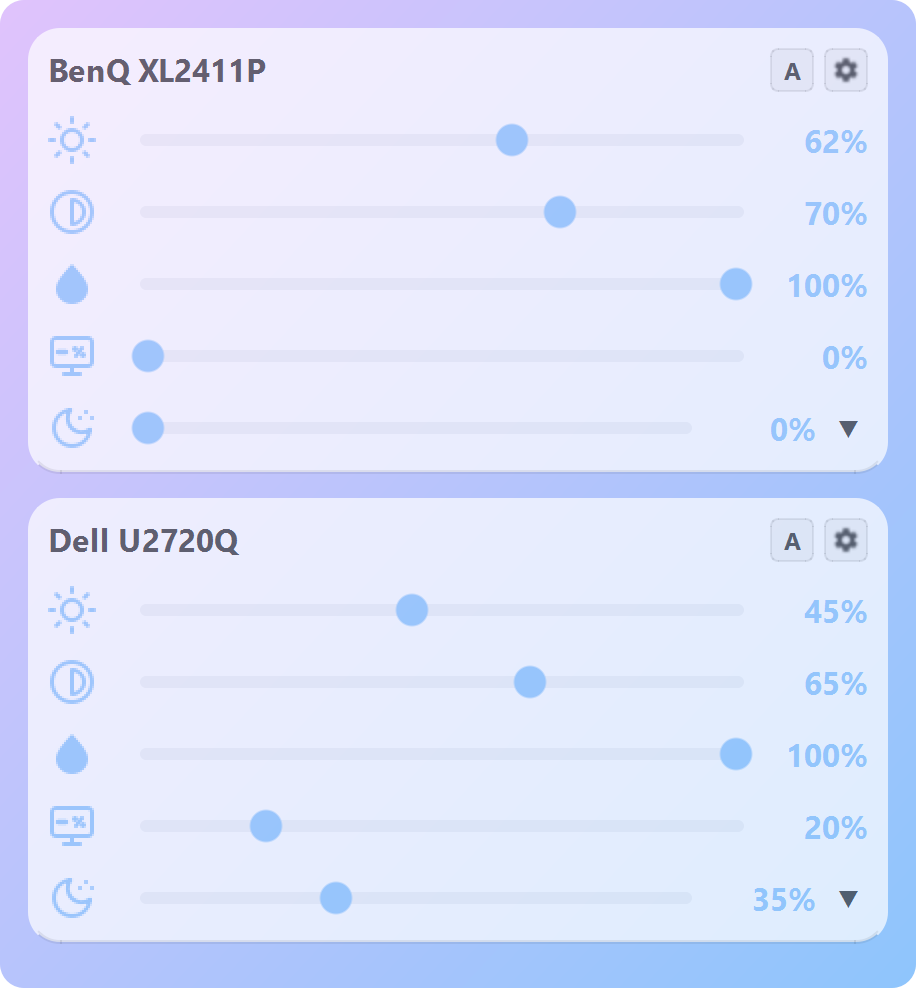
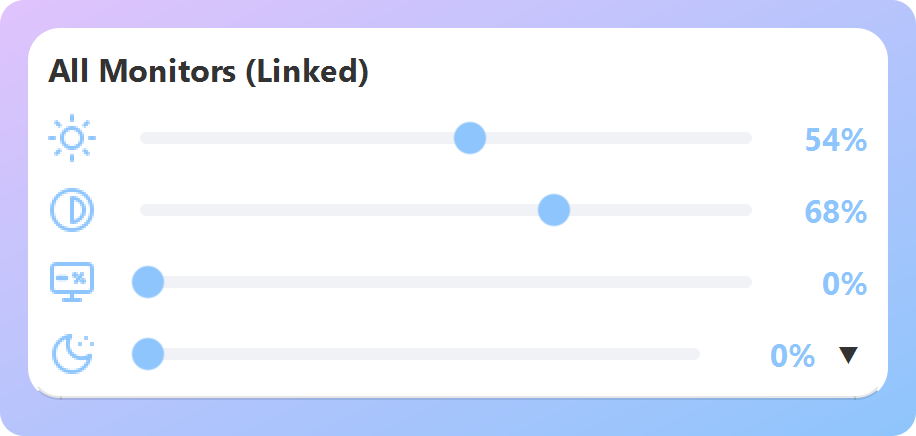
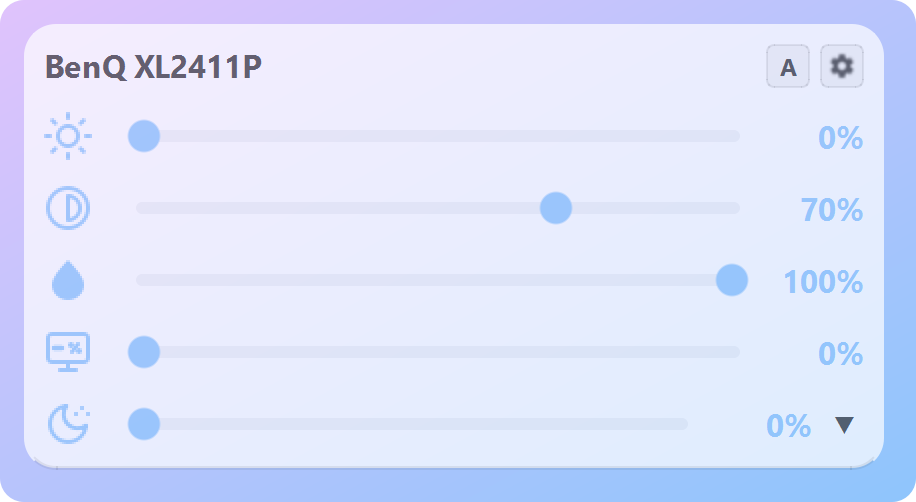
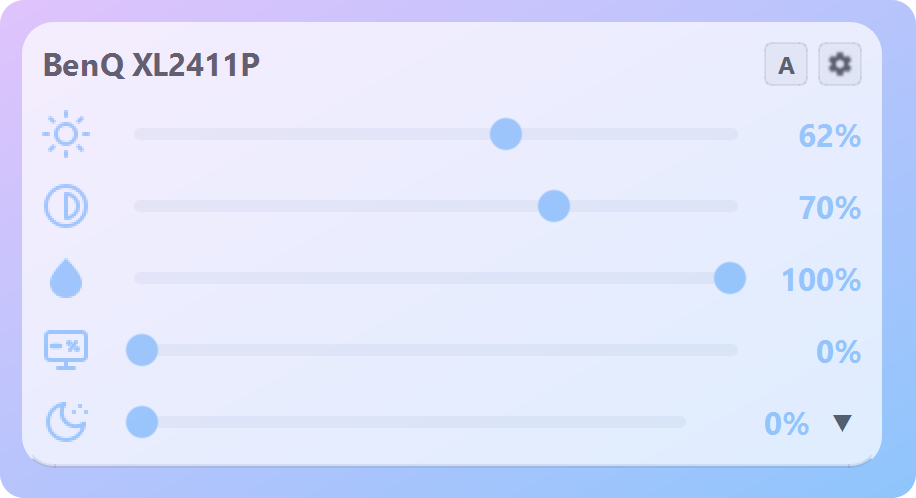
As many as you have. Each one gets its own card, and you can link them so one slider moves all of them while keeping the offsets.
Does it slow down my PC?
ArrayLux lives quietly in the notification area. Hardware commands run on background threads, so neither the interface nor your games wait on a monitor.
Which Windows versions are supported?
Windows 10 version 1809 or later and Windows 11, 64-bit.